
How Do I Change My FlexBooks Billing Card?
This article covers changing the credit card you use to pay for your FlexBooks subscription.
Looking for something else? If you want to change a payment method your members use in Mindbody, see How does FlexBooks handle Other Payment Methods? instead.
Before you start
Changing your billing card is three things rather than one. You add the new card, you make it the default, and then you delete the old one.
Adding a card on its own does not change anything. Your old card stays on file and keeps being charged until you make the new one your default.
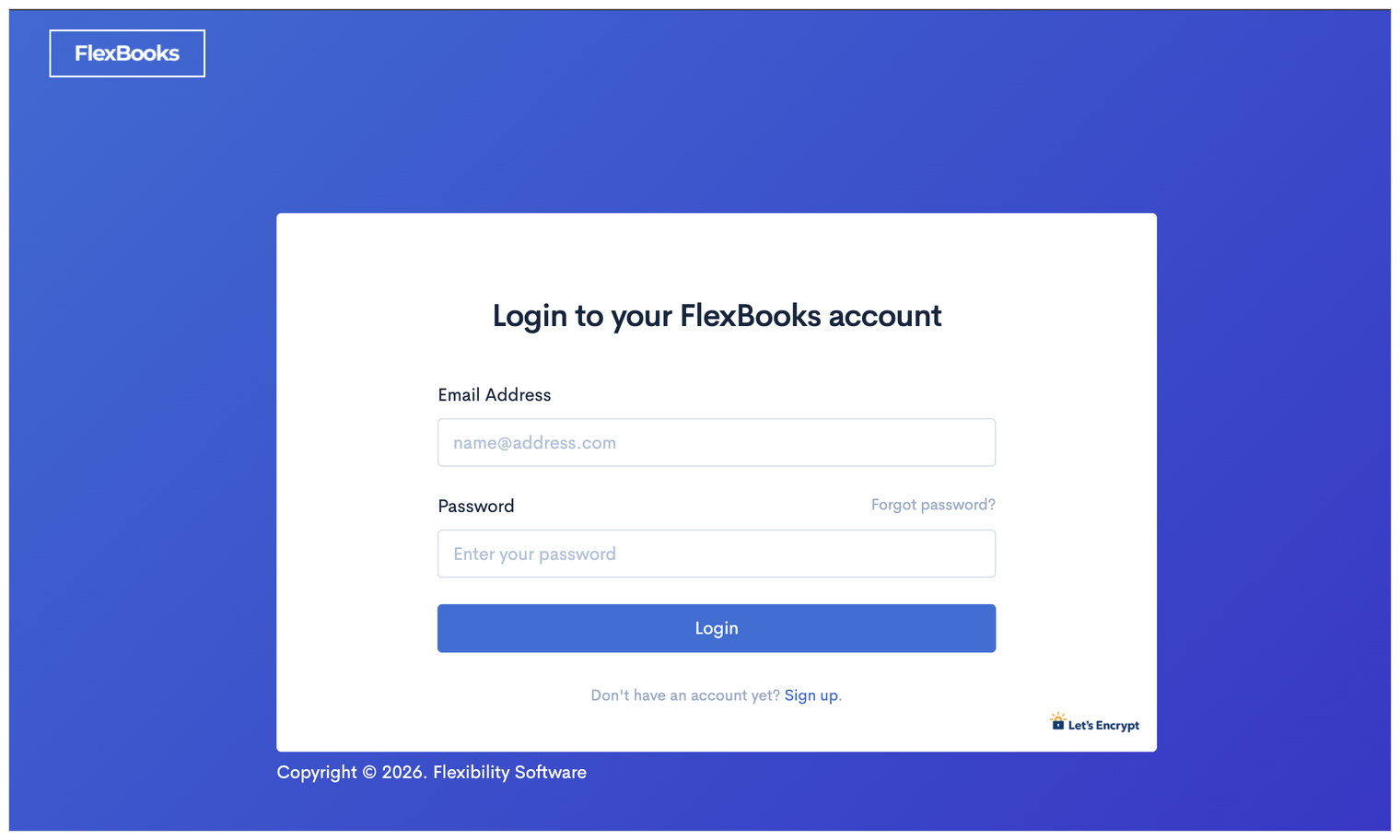
Step 1. Log in to FlexBooks
Go to https://www.flexbooks.io/login and sign in with your email address and password.
Step 2. Open your Subscription page
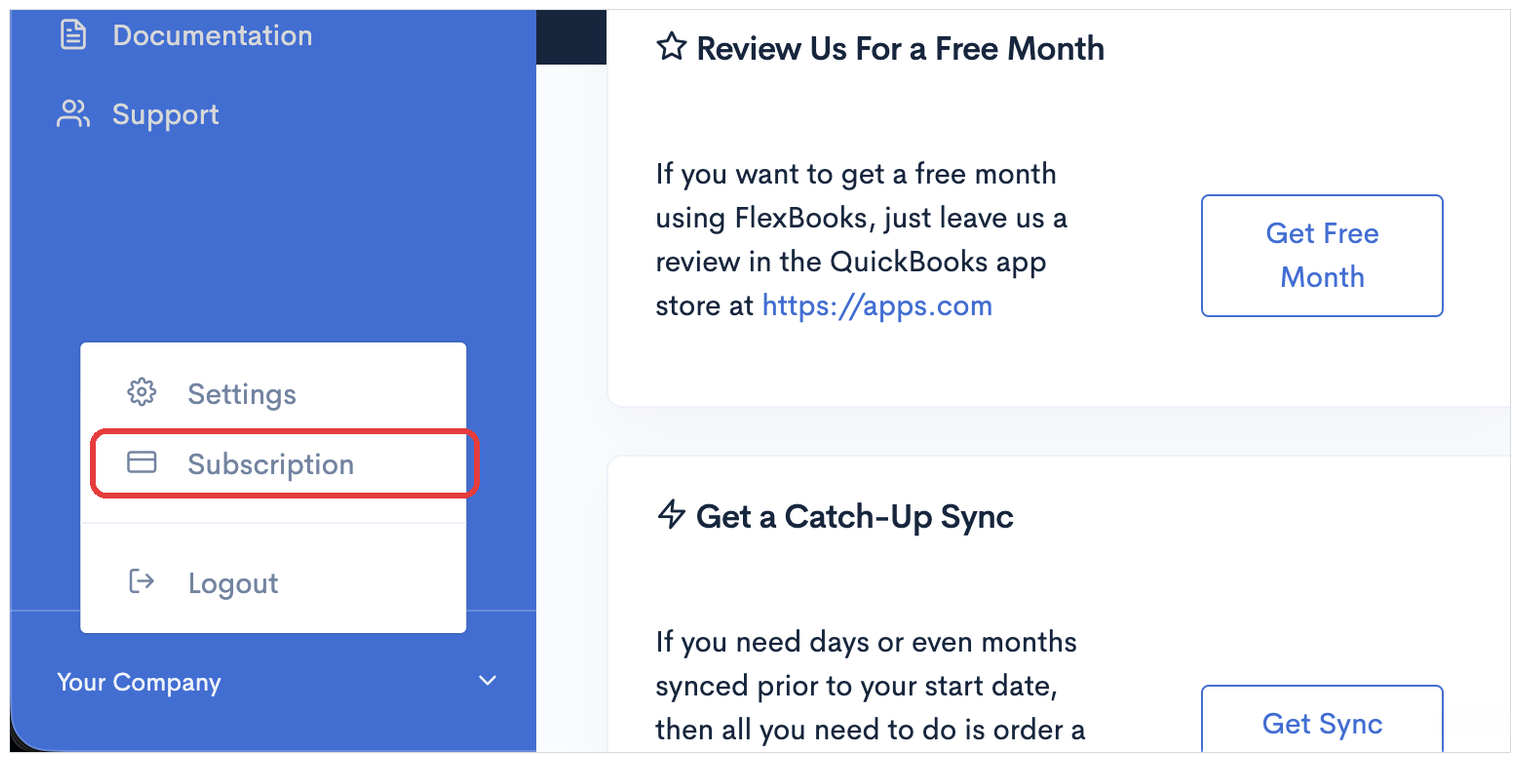
Click Your Company at the bottom of the menu on the left, then click Subscription.
Step 3. Click Add Card
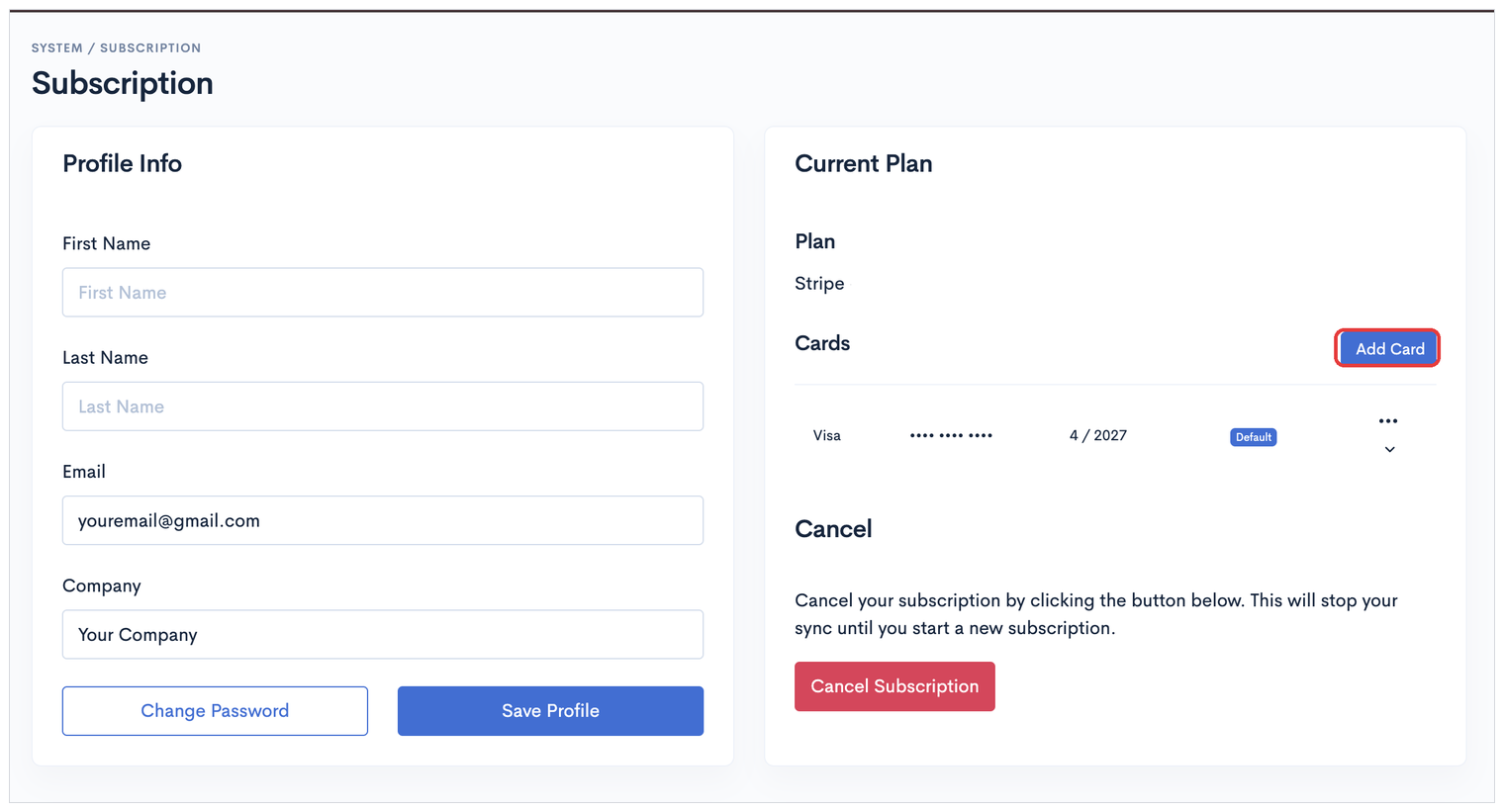
Your Subscription page shows your current plan on the right, along with any cards you already have on file. In the Cards section, click Add Card.
Step 4. Enter your new card
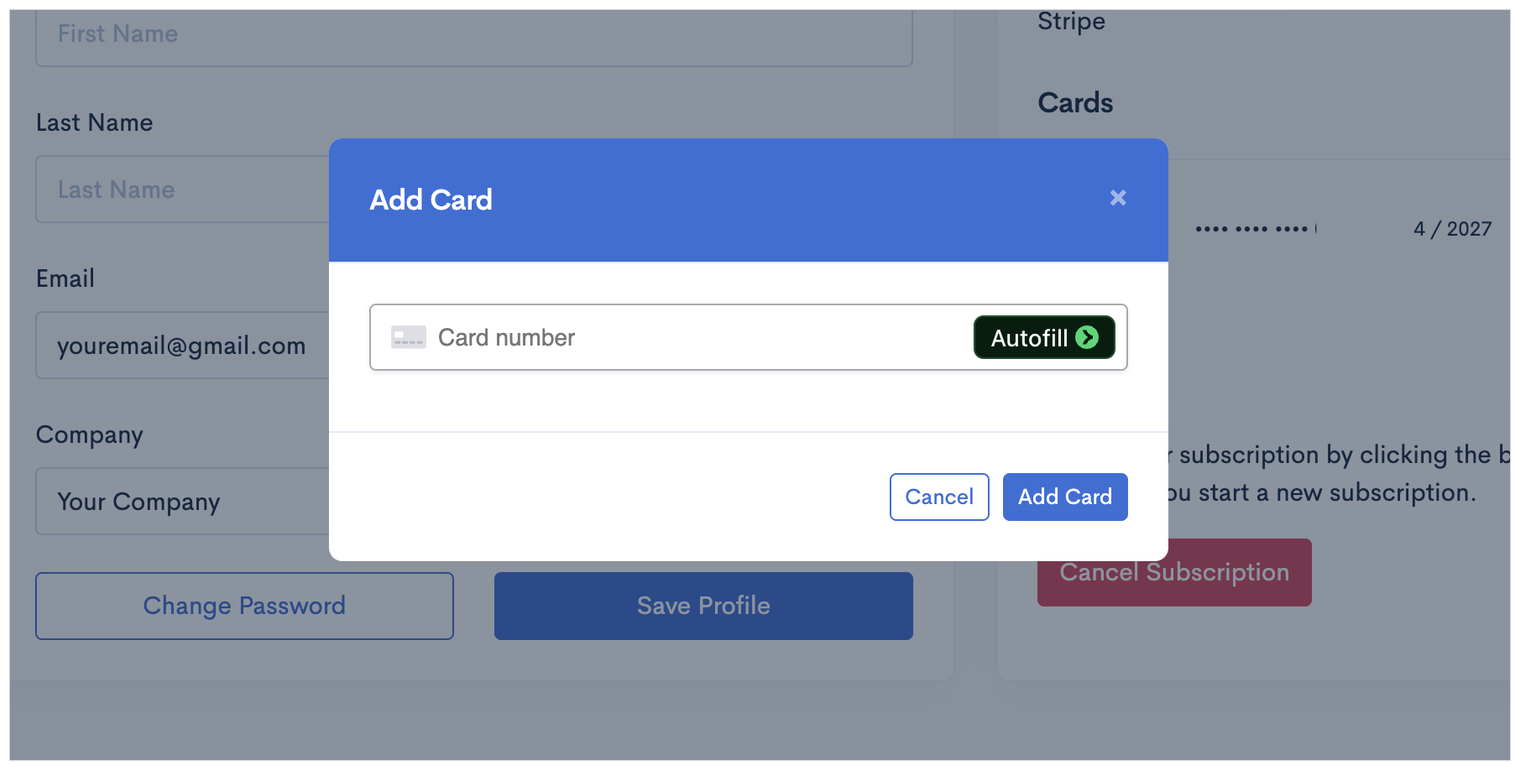
Type your new card number, then click Add Card.
Step 5. Make it your default card
Your new card is now saved, but it is not being charged yet. Find it in the Cards list, click the … button on the right of that row, and choose Make Default Card.
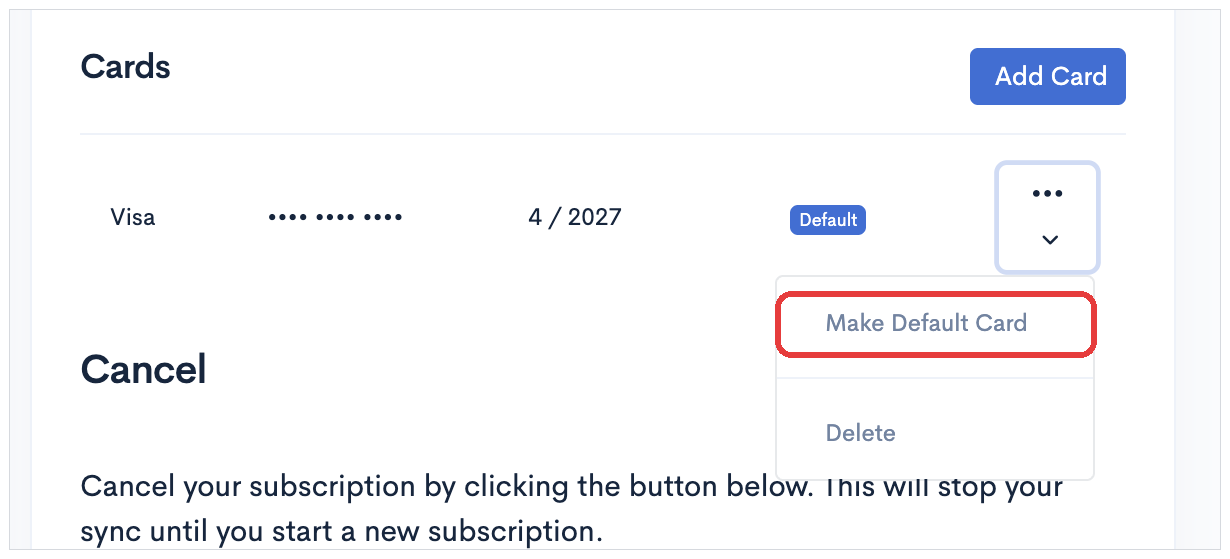
The Default label moves to your new card. That is the card your subscription will be charged to from now on.
Step 6. Delete the old card
Once the Default label has moved, click the … button on the row for your old card and choose Delete.
Check the Default label is on the correct card before you delete anything. If you delete the card that is still set as the default, your subscription has nothing to charge.
What if my payment has already failed?
Add the new card and make it the default using the steps above, then contact FlexBooks support to let us know. We will get your billing back on track and restart your sync if it has stopped.